IT201 Project 2- Victor Gutierrez
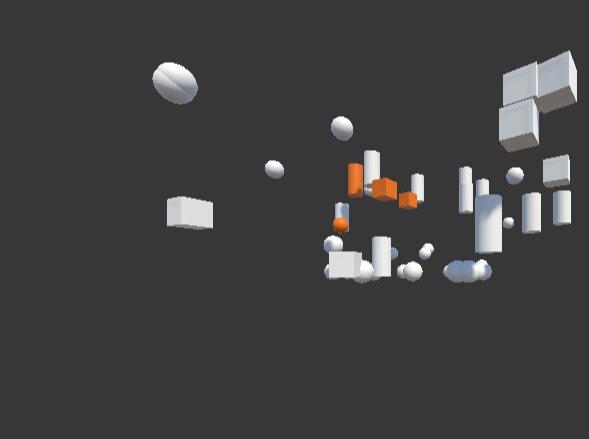
Users can dynamically adjust shape rotation, enabling or disabling continuous spinning with a toggle, while a speed slider fine-tunes the rotation rate. The "Pattern Spawn" button adds further creativity by spawning shapes in unique arrangements, like circular or grid patterns, each with randomized angles, making each pattern visually distinct. Additionally, a movement speed slider enables real-time control over the shapes’ movement, enhancing user experience and interactivity. Together, these features provide a versatile and engaging playground for users to explore shape behavior, movement, and pattern formation.